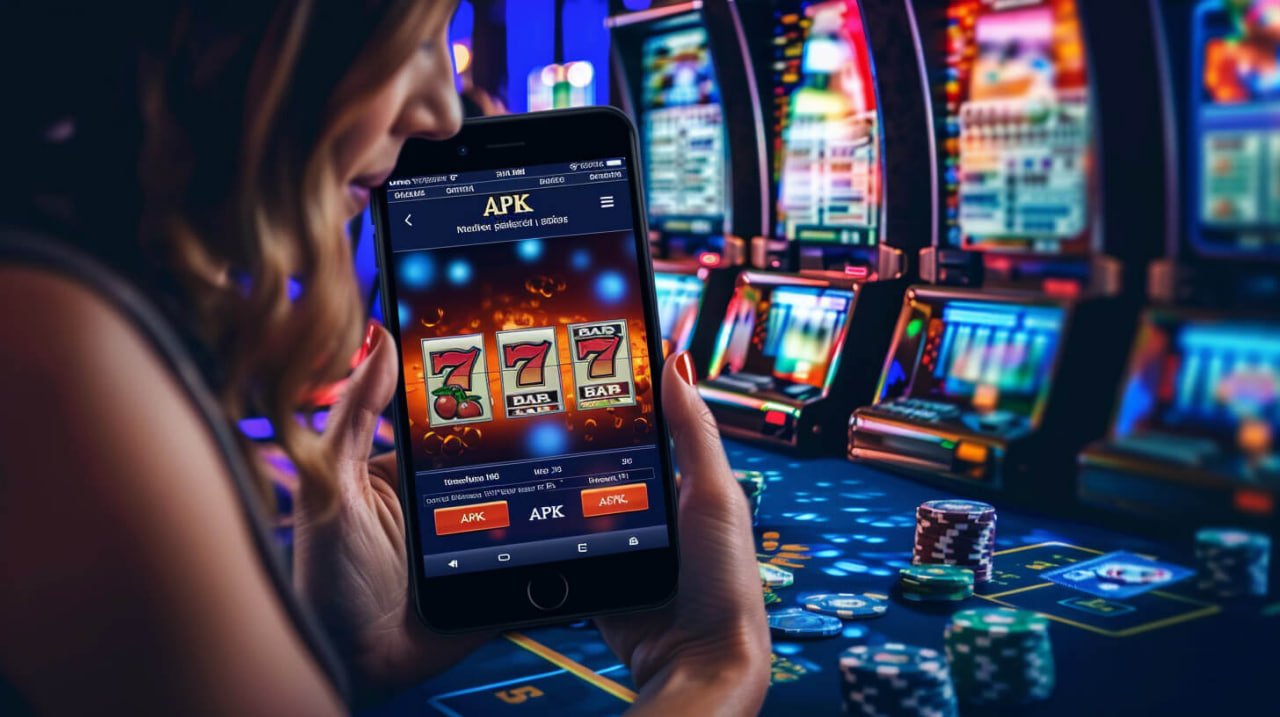
The official bdok2 app is now at your fingertips. Download and install in just a few minutes and enjoy a full desktop-quality gaming experience right on your smartphone.
App Download
Average Rating
App Size
Support Available
Bdok2 app works seamlessly on both Android and iOS
Compatible with any device running Android 6.0 or above. Download and install the APK file directly — no Google Play Store required.
Works on both iPhone and iPad. Fully supported on iOS 12 and above. Optimized for smooth touch controls and Retina display.
When downloading the Android APK, enable "Install from unknown sources" in your device settings. This is completely safe — bdok2's APK is virus-free and verified by third-party security experts.
Just a few simple steps — done in 2 minutes
Go to your phone's Settings → Security → and enable "Unknown Sources" or "Install unknown apps".
Download the APK file directly from bdok2.win or the app page. The download typically completes within 30 seconds.
Tap the downloaded APK file in your notification bar, or locate it through your File Manager.
When prompted for installation permission, tap the "Install" button. The app will be installed within moments.
Open the app. Existing users can log in; new users can register for free and claim the welcome bonus.
Tips: Before downloading, make sure your phone has at least 100 MB of free storage and a stable internet connection.
Warning: Only download the APK from the official site bdok2.win. Downloading from third-party websites may pose security risks.
Easy setup on iOS devices
Open Safari on your iPhone or iPad and go to bdok2.win. Chrome or Firefox work as well.
Tap the iOS button on the download page. You'll be given the option to install via TestFlight or as a web clip.
Tap the Share button in Safari (center bottom) → select "Add to Home Screen". An app-like icon will be added to your home screen.
Tap the bdok2 icon on your home screen and enjoy full-screen gaming, just like a native app.
Log in or create a new account. All your game history and balance will sync automatically.
iOS Tips: Installing as a PWA (Progressive Web App) gives you a full-screen experience without the browser address bar, along with push notification support.
Smartphones have become an essential part of our everyday lives — from shopping to entertainment, everything happens on our phones. bdok2 understands that need, which is why its mobile app is built to be simple yet powerful, letting you play anywhere, anytime.
The biggest advantage of the bdok2 app is its significantly faster load time compared to the browser version — games launch in just a few seconds. Push notifications keep you instantly informed about new bonuses, free spins, and special promotions, so you never miss an offer.
The app interface is designed specifically for mobile screens — large buttons, clear menus, and intuitive navigation make using bdok2 a genuinely enjoyable experience, even for those who aren't particularly tech-savvy.
Security is another area where the bdok2 app truly stands out. Your personal data and transactions are protected with 256-bit SSL encryption. Biometric login support — fingerprint or Face ID — means you never have to type your password each time, making sign-in fast and effortless.
Another standout feature of the bdok2 app is its data-saving mode. Games run smoothly even on weak networks or limited data. The app uses smart caching to avoid reloading the same data repeatedly, which also helps preserve battery life.
Push Notifications: Install the bdok2 app and keep notifications on — get instant updates on exclusive deposit bonuses and cashback offers.

bdok2 is regularly updated with new games, improved security, and bug fixes. Keep auto-update enabled to always have the latest version.
What you get with the app that the web version doesn't offer
Games load 3x faster than in a browser — less waiting, more playing.
Instant updates on new bonuses, free spins, and tournaments delivered directly to your phone.
Log in instantly with fingerprint or Face ID. No need to remember your password.
Runs smoothly even on 3G or weak connections, thanks to specially optimized code.
Dark mode for easier viewing at night — and it saves battery too.
Fully Bangla interface, designed with Bangladeshi users in mind.
Which is right for you — a quick comparison
| Features | Bdok2 App | Web Browser |
|---|---|---|
| Game Loading Speed | Fast | Medium |
| Push Notifications | Yes | No |
| Biometric Login | Yes | No |
| Auto Login | Yes | Partial |
| Data Saving | Optimized | Normal |
| Full-Screen Gameplay | Yes | Limited |
| Exclusive App Bonuses | Yes | No |
| Installation Required | Yes (Once) | No |
Download the bdok2 app and get BDT 300 in free credits on your first login. App users also receive exclusive weekly reload bonuses.
Most frequently asked questions by users
Need Support?
If you run into any issues with downloading or installation, our support team is available 24/7.
Responsible Gaming: For gaming entertainment. Please play responsibly. Responsible Gaming View page.
Download now for the best mobile gaming experience. Available free on both Android and iOS.